LLD LOOKUP
SMARTER
TECHNOLOGY
SOLUTIONS
WATER TILE SURVEY VRT VERIS GRADIENT GPS SATELLITE G.I.S.
Hardware/Software
Water Mgmt
Precision Ag
LLD GPS Maps
Read More
GIS4AG is an Agri-Trend Geo Solutions Geo-Coach service provider. This means we work with, and have access to, Canada's largest network of independent agrologists and agricultural consultants, and utilise these benefits to deliver industry-leading water management consulting services
GIS4AG is an Agri-Trend Geo Solutions Geo-Coach service provider. This means we work with, and have access to, Canada's largest network of independent agrologists and agricultural consultants, and utilise these benefits to deliver industry-leading variable rate services to our clients.
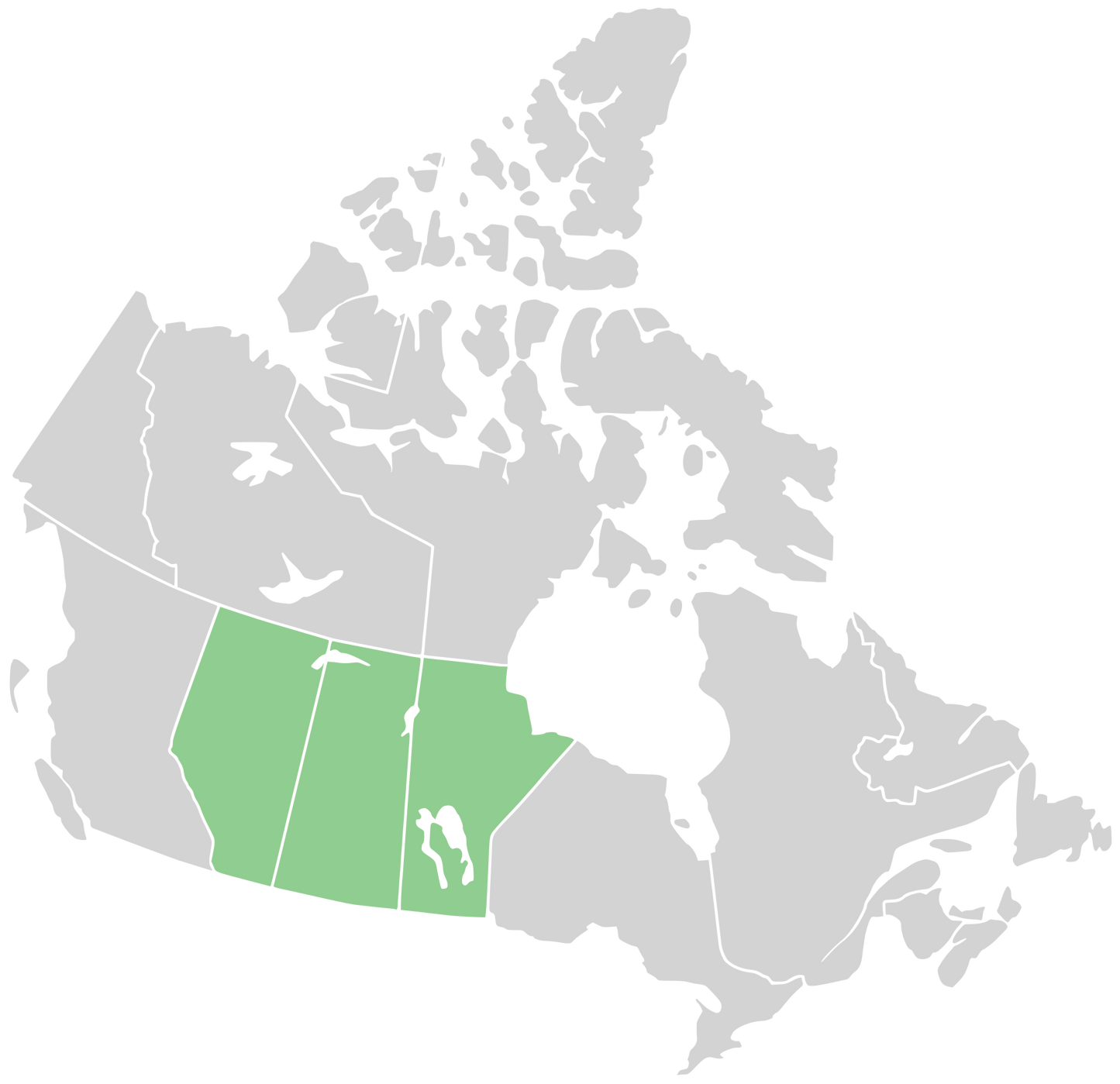
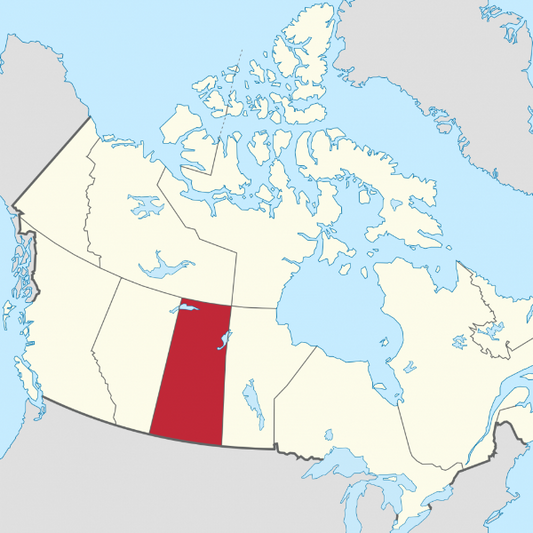
Now taking orders for in-season aerial imagery of fields in MB & SK.
In-season imagery gives you an insight into what is happening in your fields that you can't get from the road or even in the sprayer cab. Not only is this imagery like the ultimate scouting tool, it is also extremely valuable for future field management, such as variable rate zone creation, drainage management, identification of areas requiring special attention, and more. Also see the info on Variable Rate Pesticide for how we use this imagery to vary rates in the sprayer and apply what's needed where it's needed.
Available Imagery & Pricing Guide
FUSCE TEMPOR ARCU AC URNA.
WINNER!
Wealth
Manager
of the Year
FUSCE CONGUE ELEIFEND MI.
About
Enter Required Grade, Maintain Required Grade
Ditch Assist's key function is to help you maintain grade without having to go through complex setup, calibrations, or any other requirements that waste time in the field.
Simply connect to your GPS system, lower your implement to ground level, click on the 'Start Ditching' button, enter the required gradient, and off you go!
As you drive, the program calculates the required implement height and compares this to your actual implement height. An on-screen lightbar guides you to raise or lower the implement so you can maintain the required grade.
The sensitivity of the lightbar is fully adjustable, so you can set it to suit your equipment, landscape, and required level of precision. By default each arrow represents 2 inches.
Creating curved ditches? No problem! Unlike laser systems, Ditch Assist calculates actual distance travelled rather than linear distance from the start point, so you can be certain you are maintaining the required gradient even when you aren't going in a straight line. See the information on straight and curved ditching to find out more.
When you get to the outlet it may make more sense to turn around and ditch uphill the second pass. Again, this is no problem with Ditch Assist. Simply start ditching at the maximum implement depth for a few feet, stop, hit "Start Ditching" and enter the gradient as a negative (e.g. -0.1%), and continue ditching. The program will now calculate gradient in reverse, so you can ditch up hill.
Real-Time Map Window
Another premium feature of Ditch Assist is the ability to load a georeferenced aerial or satellite image, or a map of your drainage plan (such as the plans we create as part of the Precision Water Management Program) into the program. You can load any georeferenced TIFF, BMP, or MrSID file and the map window will read the attached coordinates and assign the image to the correct spatial location.
Once you connect to your GPS system an icon appears on the screen showing you your current position. When a background image or plan is loaded you can see your location in real-time on the image. This makes it simple to locate problem areas (order aerial imagery when the field is very wet then use this while ditching, for example), or to follow the planned designs.
In the screenshot below, we have loaded a drainage plan created as part of our Precision Water Management Program and are using this to make sure we follow the plan exactly (click image to see full screen):
Straight Mode for straight line ditching
Just like a laser system, straight mode calculates your straight-line distance from the start point and calculates the required blade elevation based on the gradient chosen. This means you can return to the same location and continue working without needing to re-set or re-calibrate the program.
Curved Mode for non-linear ditches
A major disadvantage of a laser system is that it can only calculate straight line distance. If you are creating curved ditches you are actually travelling further than the straight line distance between your start and end point, and this means your ditch may end up being significantly less sloped than the desired grade.
Curved Mode calculates the exact distance travelled, meaning that the required blade elevation is calculated based on this distance, not straight-line distance from the start point. This means the ditch can be created to the required gradient.
Beacuse this mode is calculating total distance travelled, you will need to restart the guidance when you return to a location you have already cut. This is a simple procedure where you set the blade down at the last point where you achieved the required grade (this is shown on the map screen) and then hit 'Start Ditching'.
Survey Mode
Ditch Assist includes a simple survey function that helps you determine the required grade for a straight or curved ditch. Required grade is proportional to distance travelled, so taking a 'shot' with a laser won't work if you don't plan to go in a straight line (you'll end up with less grade than you specify). Ditch Assist calculates the grade based on distance travelled, meaning you can pre-survey ditches of any shape and be sure you are using the correct gradient.
Simply drive to either the start or outlet of the proposed ditch, hit the button marked 'Start Survey' and drive along the path you intend to follow when ditching. When you reach the end, the gradient will be displayed on the information pane. This tells you the actual gradient from your start point to your outlet based on the length of the ditch, and will be the minimum gradient you must use to ensure water can travel from A to B.
Click on the screenshot below to see the survey information in the upper right pane:
See Where you've cut and where to Re-Cut
While you are ditching the program automatically leaves a breadcrumb trail that shows where you have been. These tracks are color-coded to tell you whether you achieved the required grade, or whether you need to make another pass. Based on the settings you specify for the lightbar tolerances, the tracks' color tells you how many inches more are required to be cut.
When you need to return to re-cut a portion of the ditch simply drive to the last green points from the previous pass, lower the implement to ground level on a green point (this is important to ensure the gradient is continued from a point where required grade is already achieved), hit 'Start Ditching' and you are good to go.
Optionally, you can also choose to display labels on the points that tell you exactly how much deeper you need to cut.
You can also save the tracks as a shapefile, and re-load them if required (for example to see what you covered the previous day).
Requirements to run Ditch Assist
RTK GPS (either using a base station or a network) that is capable of outputting NMEA data to a serial or USB cable
- NMEA is a universal standard format for GPS data, and most systems are capable of outputting this information. Usually a special cable is required to achieve this, and your equipment dealer should be able to supply such a cable and instruction on setting up NMEA outputs.
Laptop or Tablet PC running Windows XP, Vista, or 7
A rugged unit is recommended, but the program will run on any laptop or tablet. We will be offering new and refurbished Panasonic Toughbook units as we've found these to be extremely durable and functional. Having at least one serial port on the unit is also desirable as the output from a GPS system is designed to be sent to a serial port, and sometimes the USB-to-serial adaptors create issues. Ditch Assist is designed to be operated using a mouse or touch screen.
Automation
We are currently working to implement automated machine control using Ditch Assist. This should allow integration with most makes and models of tractors using either a direct interface with the on-board computer or a valve.
Existing users of the lightbar version will be given the option to upgrade to the automation module when it becomes available.
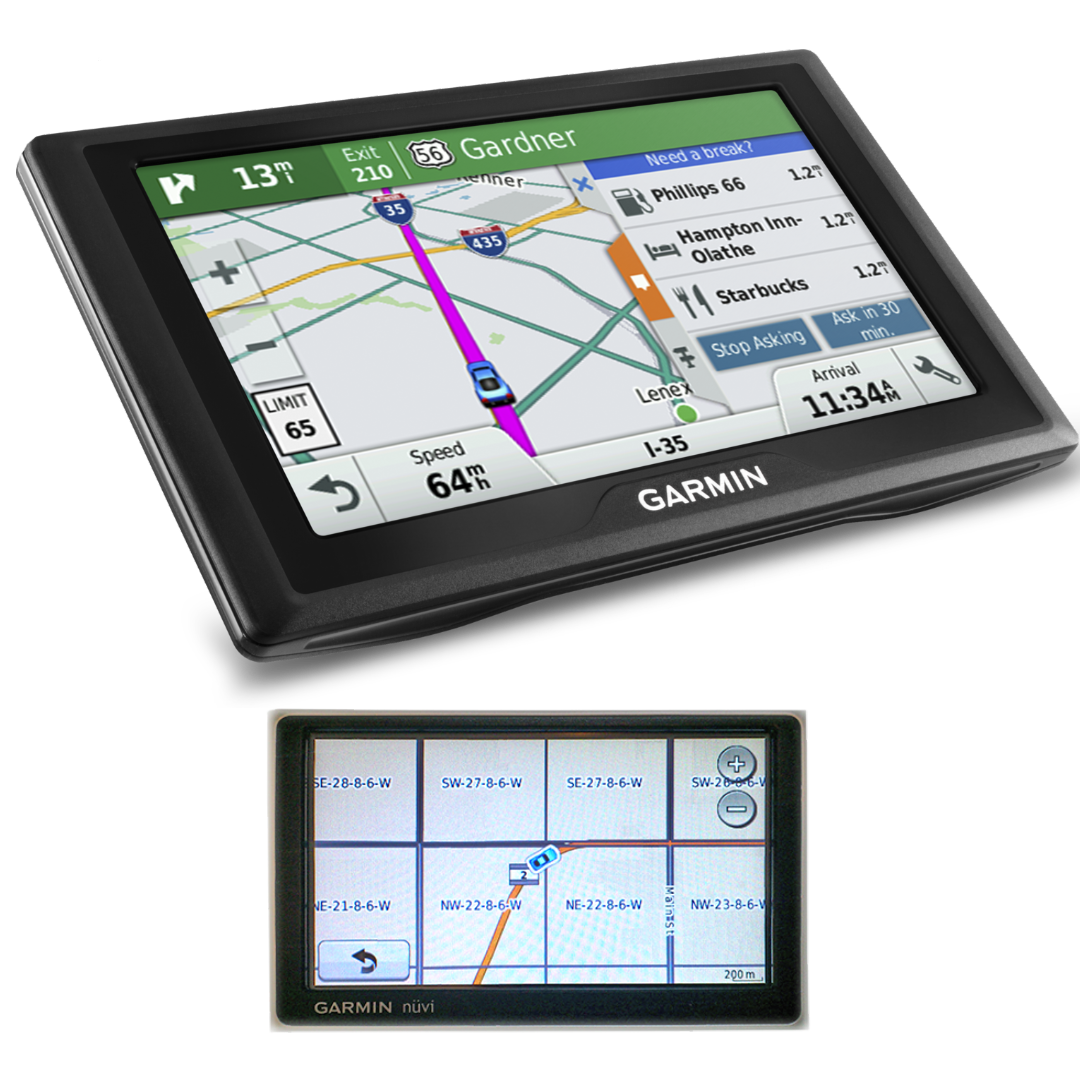
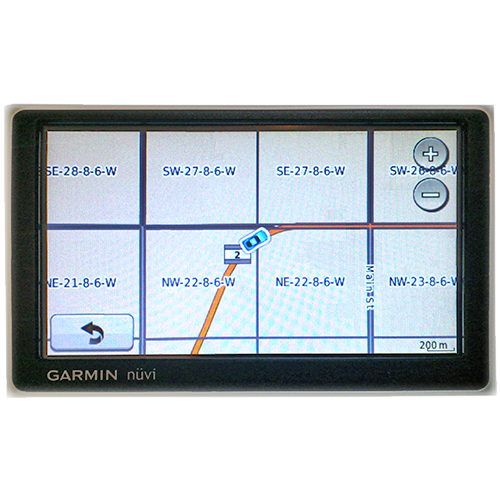
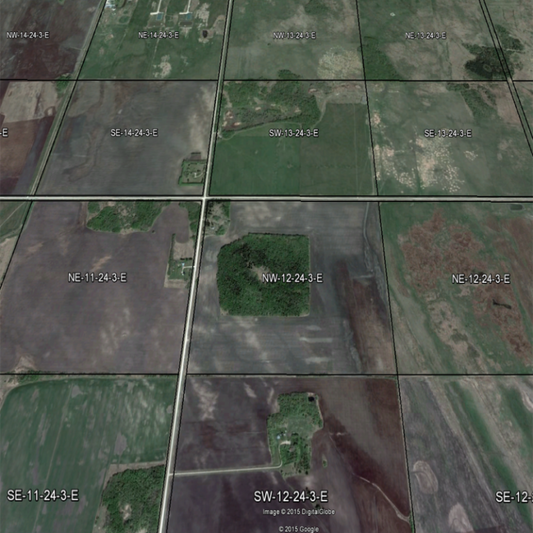
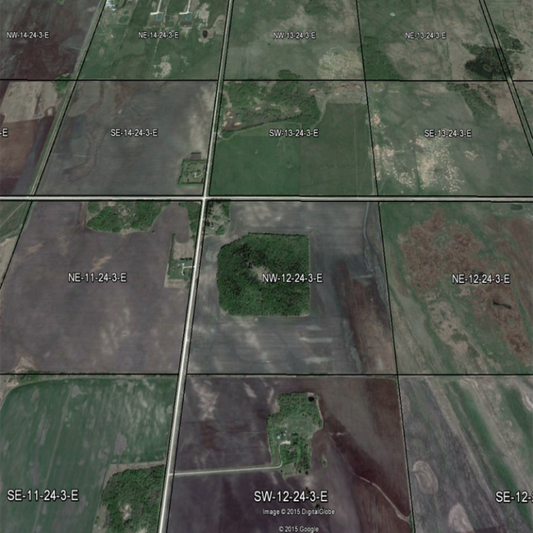
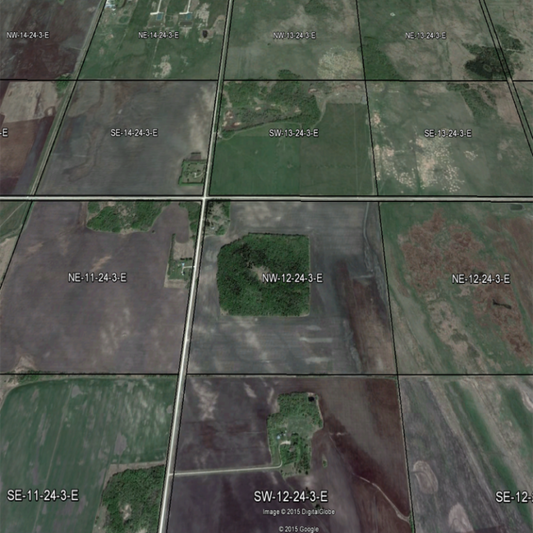
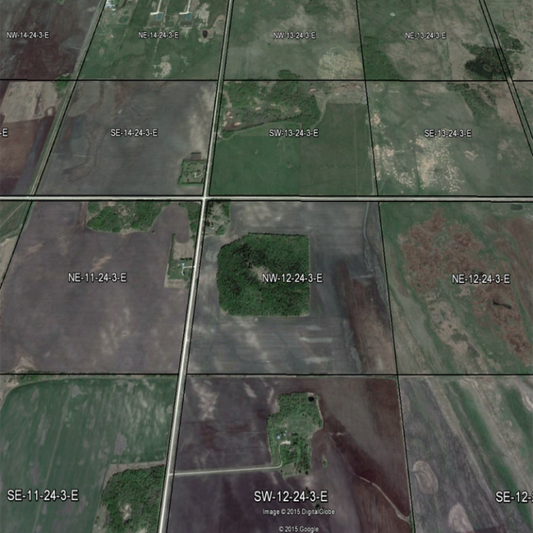
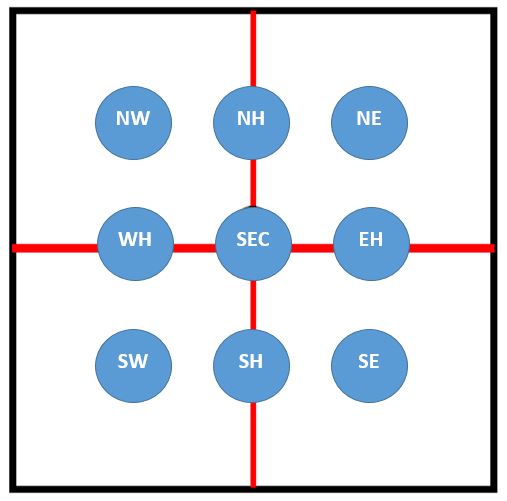
Simply enter the Section, Township, Range, and Meridian in the boxes below to locate
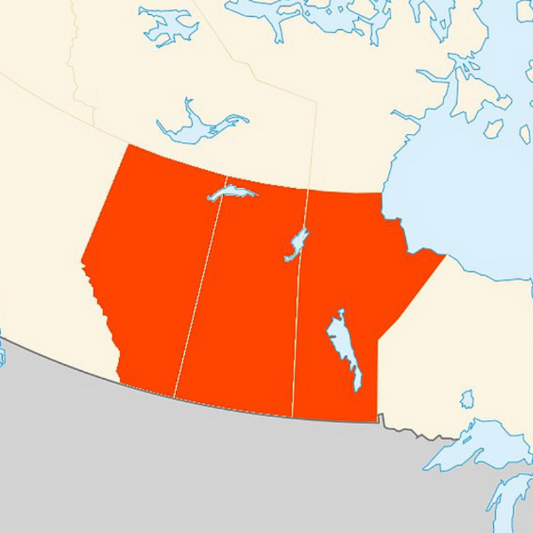
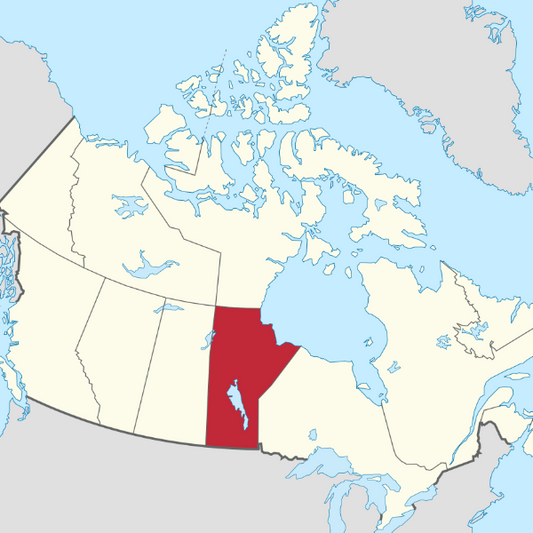
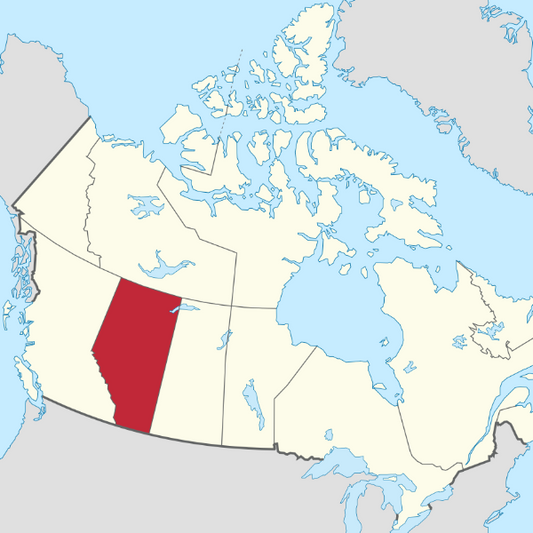
the section on the map. Works for MB, SK, AB
For a bigger map just copy/paste these coordinates into the search box in Google Earth. Download the latest version here
(may not give correct location if you paste into Google Maps)
Box 599, St Claude, Manitoba. R0G 1Z0, Canada
Contact Simon Knutson, Owner: 204-750-9071
Would you like more information? Fill out the contact form below and we will get back to you promptly
CONTACT SIMON KNUTSON AT 204-750-9071